
Board meetings, with the minutes written for you
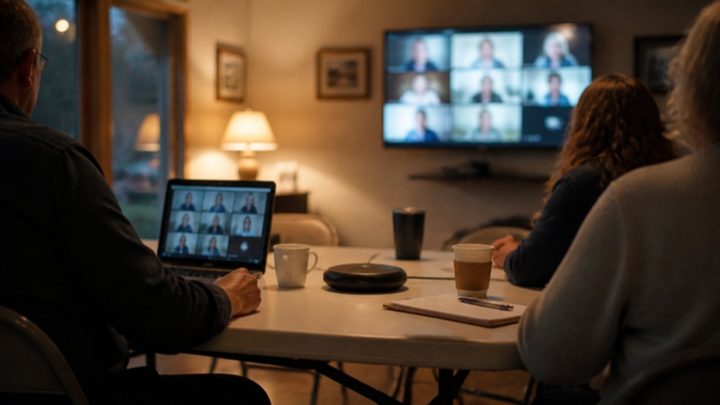
Plan the meeting and send the agenda. Take attendance with a live quorum count. Record it if you want, in the room or on Google Meet. AI drafts the minutes, a person checks every motion, and the board approves them in the app.


Watch it work
Board meetings and minutes, step by step
Real screens from the demo club. Tap a step to see it at the top of the page, or tap through it yourself.
What you get
- The agenda starts from your template, with open tasks and last meeting's minutes carried in.
- Recording is optional. Pause it for a closed session. It's deleted once the minutes are approved, or after 90 days at most.
- Google Meet: a Meet link for each meeting with transcripts on, and minutes drafted from the transcript.
- Board only by default. Share approved minutes with members in the app, or post them on your website.
- Tasks go to the people responsible, and every motion goes into a list you can search.
- A Secretary role, so your secretary can run the minutes without being a club admin.
Fair questions
What people ask about board meetings and minutes.
Does it record our meetings?
Only if you want it to. Recording is optional, and a club can turn it off completely. Lay a phone on the table, or record on a computer during a Google Meet call. Pause it for a closed session, and nothing is recorded while it is paused.
How long are recordings kept?
Until the minutes are approved, and never more than 90 days. Every draft shows the date its recording will be deleted, and reminders go out at 75 and 85 days. The approved minutes themselves are kept.
Does AI write the minutes?
AI writes a first draft from the recording, the Google Meet transcript or your notes. It only uses what was said and lists anything it was unsure of. A person checks every motion before the minutes can be approved.
Does it work with Google Meet?
Yes. Connect your club's Google account once, and the app can make a Meet link for each meeting with transcripts turned on. After the meeting it reads the Meet transcript and drafts the minutes. Meet transcripts need a Google Workspace plan that includes them.
Who can see the minutes?
Only the board, unless you choose otherwise. When minutes are approved you can share them with members in the app or make them public. Public minutes are listed on your board page under Past meeting minutes.
From The Huddle
Read more about board meetings and minutes.

Try it yourself.
Step into the demo club and use board meetings and minutes on the real app. No sign-up, and it resets every night.